Basic code
You can see an example of a navbar in top of this page. Following code is the code for this navbar.
Colors
By default, background color of the navbar is equal to accent color. But you can simply have your light and dark navbar by adding .navbar-light or .navbar-dark to the .navbar.
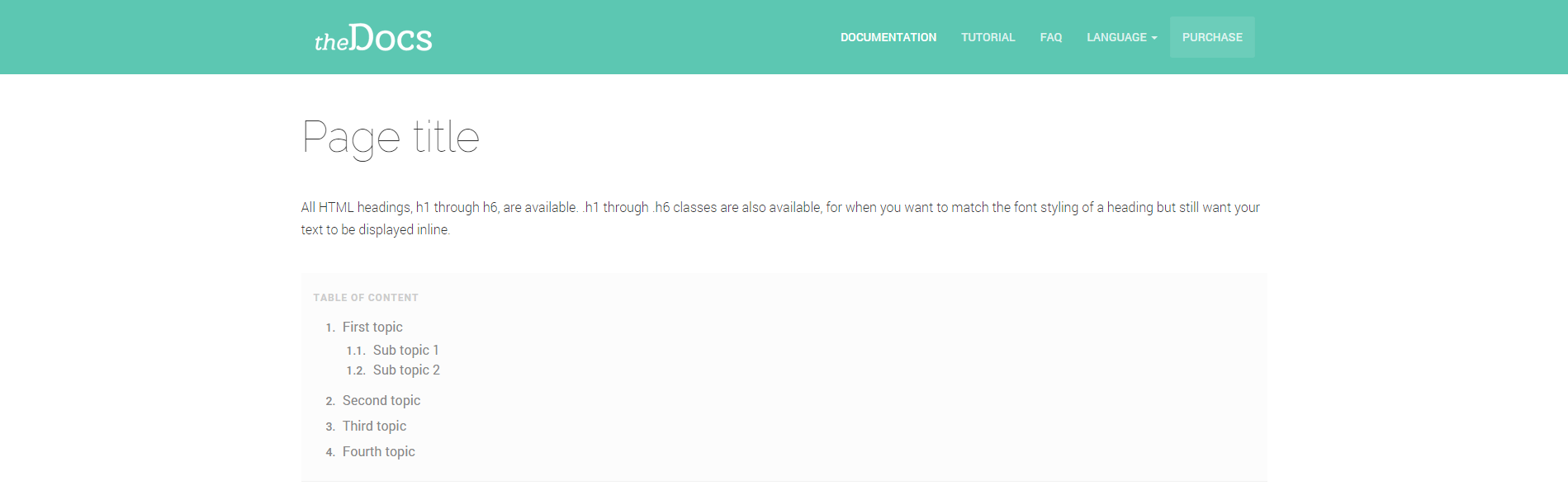
Default
It's default color, doesn't require any class.
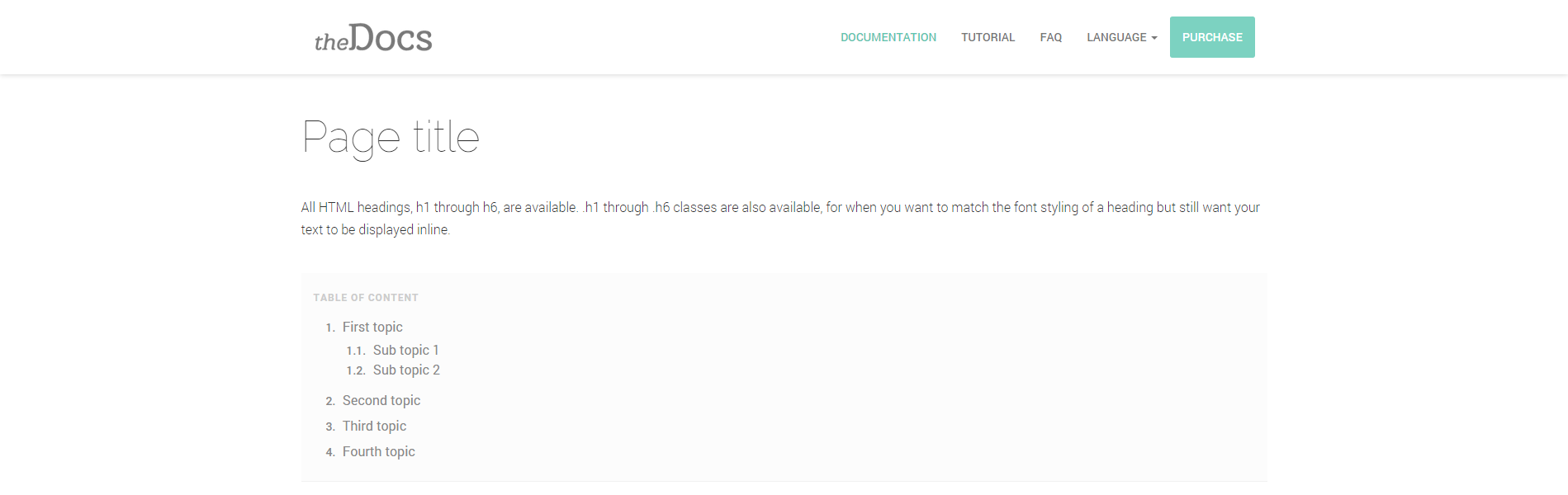
Light
Uses .navbar-light class.
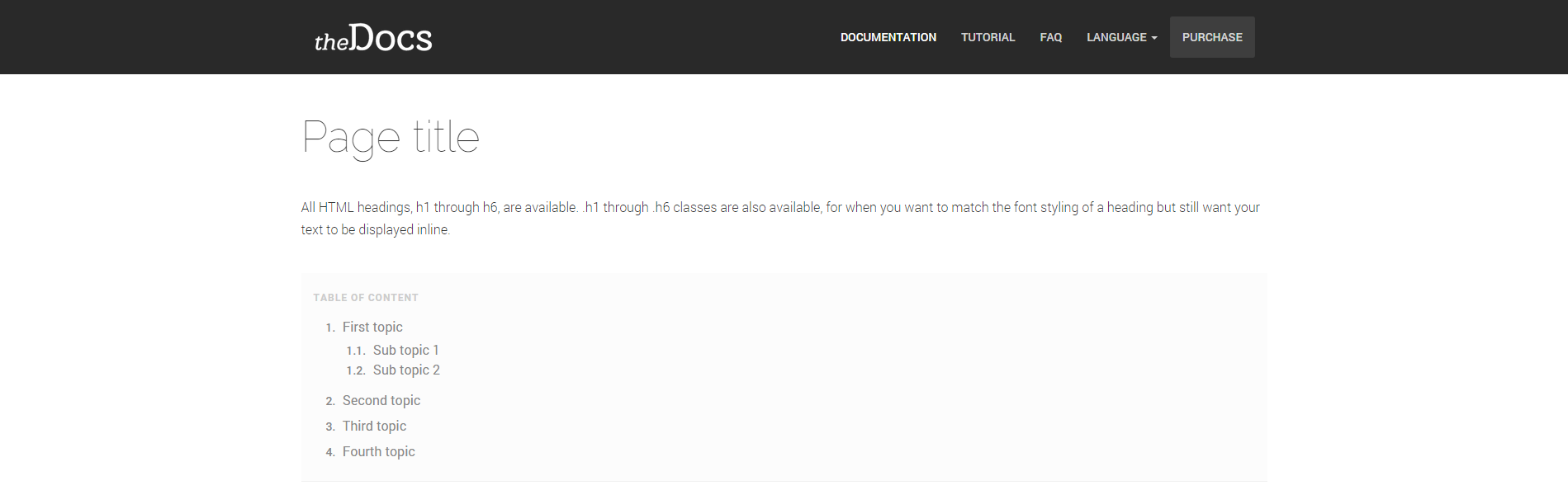
Dark
Uses .navbar-dark class.
Example
Sizes
Easily change the height size of your navbar by adding .navbar-sm or .navbar-lg to the .site-header. Even you can make it fullwidth by adding .navbar-fullwidth to the .site-header.
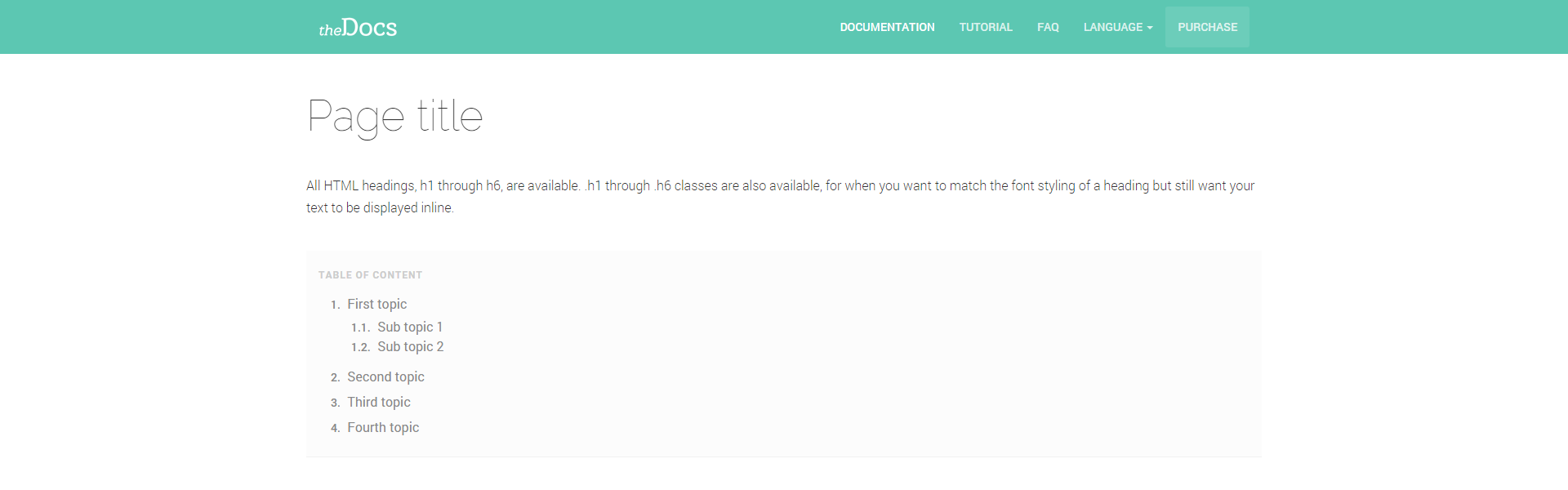
Small
Uses .navbar-sm class.
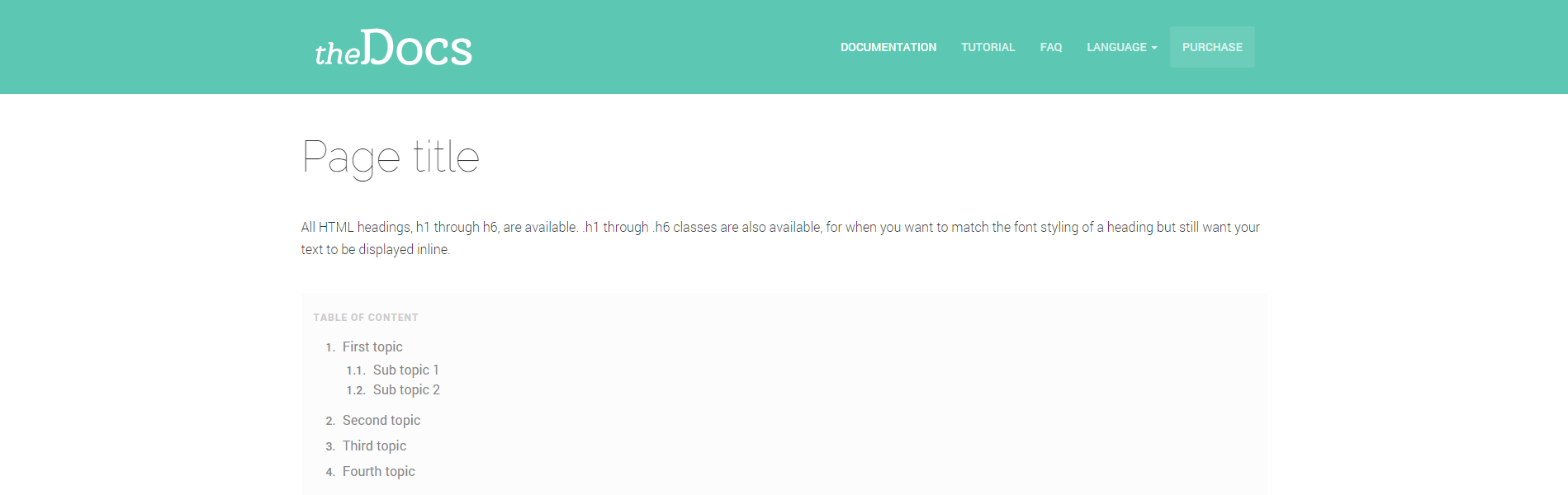
Large
Uses .navbar-lg class.
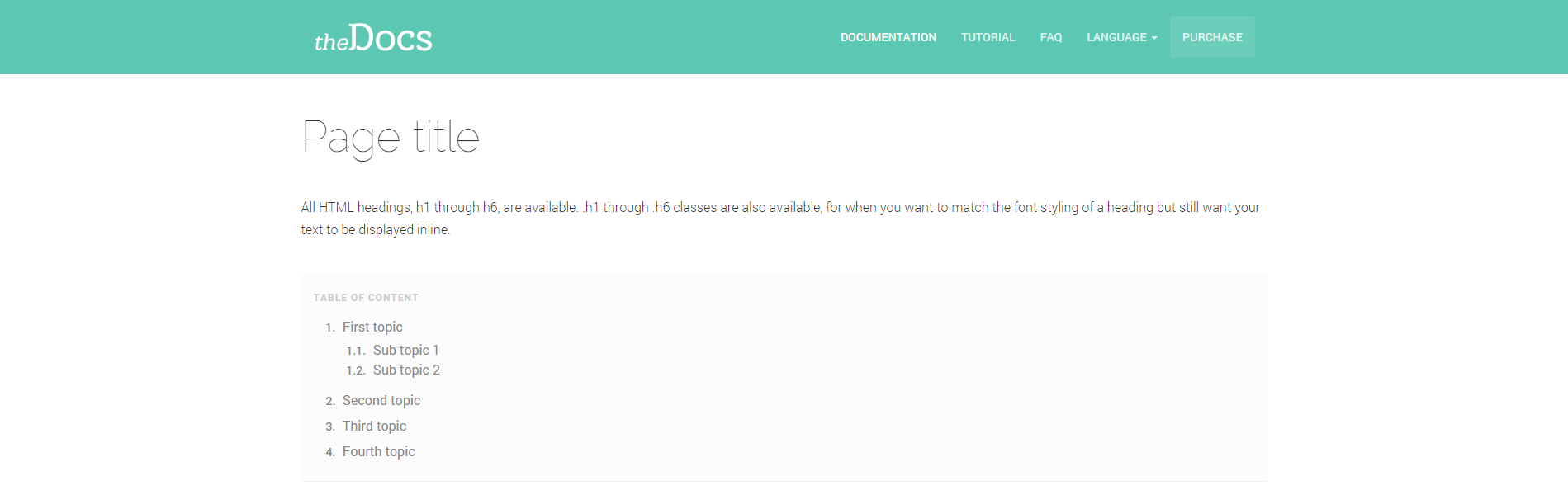
Default
It's default size, doesn't require any class.
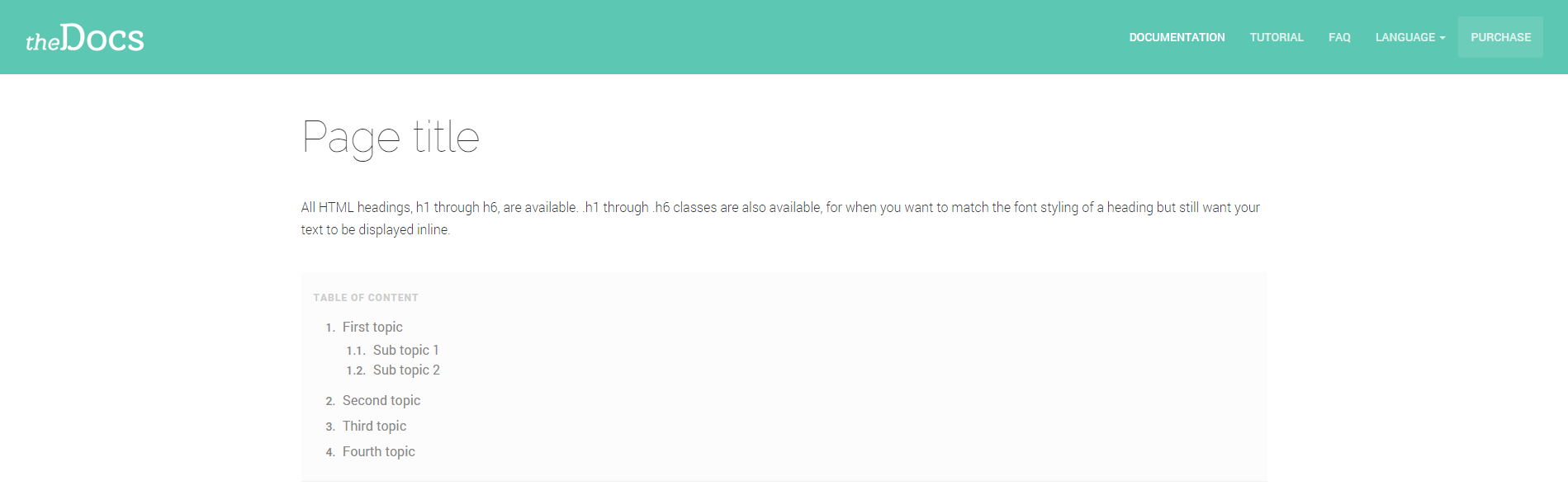
Fullwidth
Uses .navbar-fullwidth class.
Example
Options
Still you have more options to customize your navbar for yourself.
Sticky navbar
By adding .sticky class to the .site-header you can fix your navbar on top of the page.
Transparent navbar
By adding .navbar-transparent class to the .site-header you can remove background color of the navbar. It's a good practice to have transparent navbar when you included a banner to your page; like the following image.

Transparency is for banner
If your page doesn't have any .banner in the header, don't include .navbar-transparent.